




 Technology07 Jun 2026
Understanding Incognito Mode: What It Really Hides and What It Doesn't
Incognito mode provides local privacy but doesn't shield your activity from the web or ISPs. Learn the truth behind this browsing feature.
The Reality of Incognito Mode: Not as Private as You Think
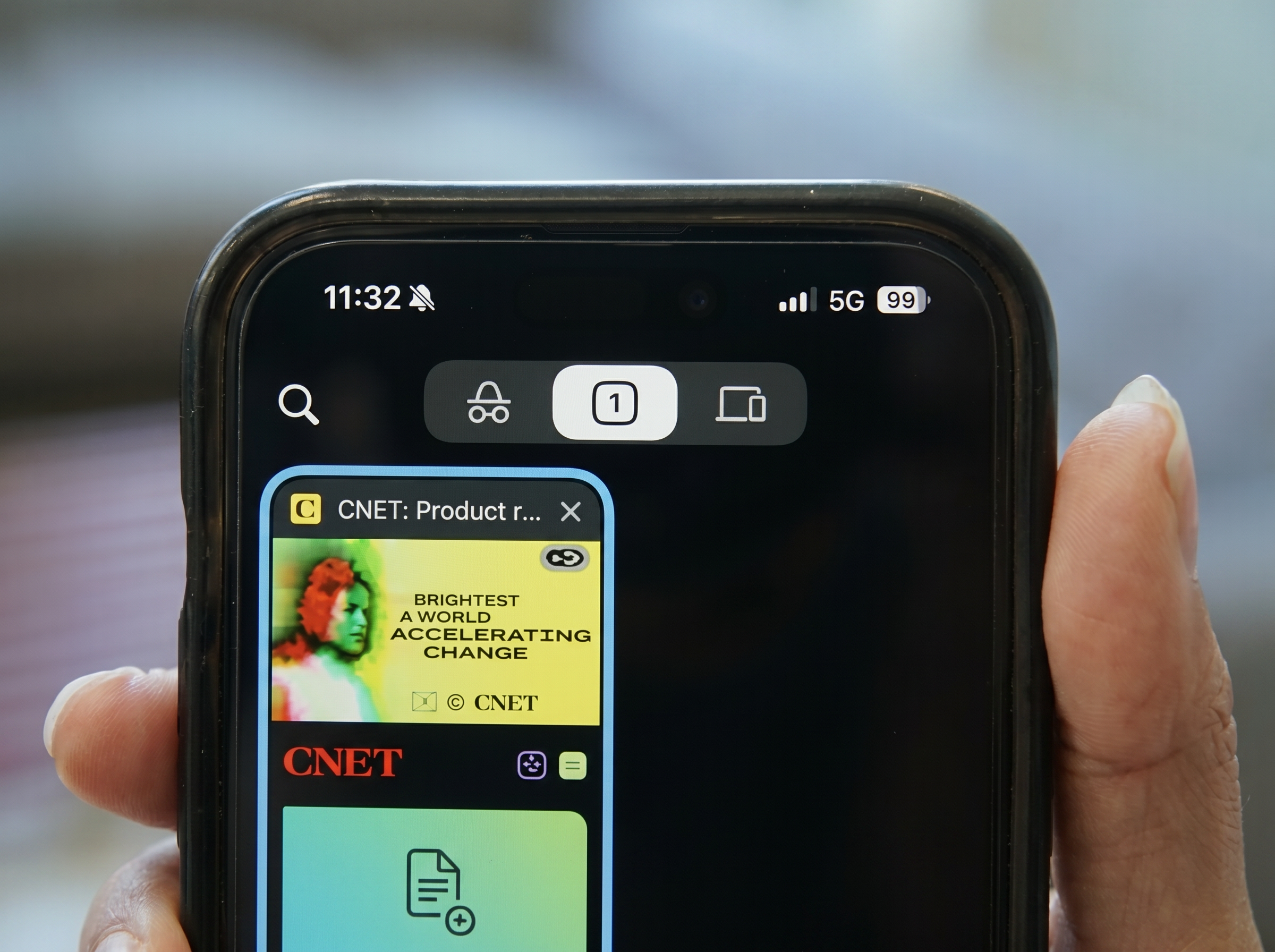
Opening an incognito window often feels like stepping into a private space on the internet. The browser interface turns dark, suggesting anonymity and confidentiality. However, the reality is that incognito mode does not provide complete invisibility online. Instead, it merely prevents your web browser from recording certain details locally on your device.
This article clarifies the scope of incognito mode across different browsers and emphasizes when it is genuinely useful.
What Does Incognito Mode Actually Do?
Local Privacy Features
Incognito mode prevents cookies and website data from being stored after you close the browsing session. This means:
- Your visited sites won't appear in your browser's history.
- Cookies and session data are deleted once you close your incognito window.
Different browsers have different names for this feature:
- Google Chrome: Incognito Mode
- Safari: Private Browsing
- Firefox: Private Browsing
- Microsoft Edge: InPrivate Browsing
Important Exceptions
Despite its privacy features, there are notable exceptions:
- Any files downloaded will remain on your device after closing an incognito window and could be accessed later.
- Bookmarks created will be saved, contrary to the temporary nature of browsing history.
To ensure complete privacy, it's essential to close every private window after use. Otherwise, the browser may retain information until all windows are closed.
What Can Others See?
Users of Shared Devices
If you share a computer with others, they won't see your browsing history after you close all incognito windows. However, they can find downloaded files and any bookmarks.
Websites Visited
Websites still track your visits, as incognito mode does not prevent tracking by analytics tools. If you log into accounts, those services can gather data about your activity. For example, logging into your Amazon or Google account reveals your usage even in incognito mode.
Internet Service Providers and Networks
Your internet service provider (ISP) can still monitor your browsing activity. Incognito mode only affects local device privacy; it doesn't conceal your activity from your ISP or networks, such as schools or workplaces.
Embedded Tracking by Companies
Even within incognito mode, companies whose services are embedded on sites may collect data about your activity. Google faced legal challenges over its data collection practices while users browsed privately.
Can Incognito Mode Mask My IP Address?
No, Incognito mode does not cover your IP address, which can be utilized to determine your general location. For greater privacy, consider using a Virtual Private Network (VPN) that can mask your original IP address and offer an additional layer of protection against ISP monitoring.
When to Use Incognito Mode
Incognito mode is suitable when you want to:
- Browse on a shared or public computer.
- Shop for a surprise gift without leaving traces.
- Research topics without saving them in your history.
- Access a second account without signing out of the first.
However, if your goal is to shield your online activity from websites, ISPs, or organizational networks, incognito mode will not suffice.
How to Activate Incognito or Private Browsing
To open a private window in various browsers:
- Google Chrome: Click the three-dot menu and select “New Incognito Window” or use Ctrl + Shift + N (Windows) / Command + Shift + N (Mac).
- Safari: Click “File” and choose “New Private Window” or press Command + Shift + N.
- Mozilla Firefox: Click the three-line menu and select “New Private Window” or use Ctrl + Shift + P (Windows) / Command + Shift + P (Mac).
- Microsoft Edge: Click the three-dot menu to select “New InPrivate Window” or use Ctrl + Shift + N (Windows) / Command + Shift + N (Mac).
In conclusion, while incognito mode is beneficial for local privacy on your device, it's vital to recognize its limits regarding online anonymity. For comprehensive privacy protection, consider additional tools like VPNs.
Takeaways:
- Incognito mode is not fully private.
- Websites and ISPs may still track your activity.
- Utilize it wisely based on your objectives.
Popular news
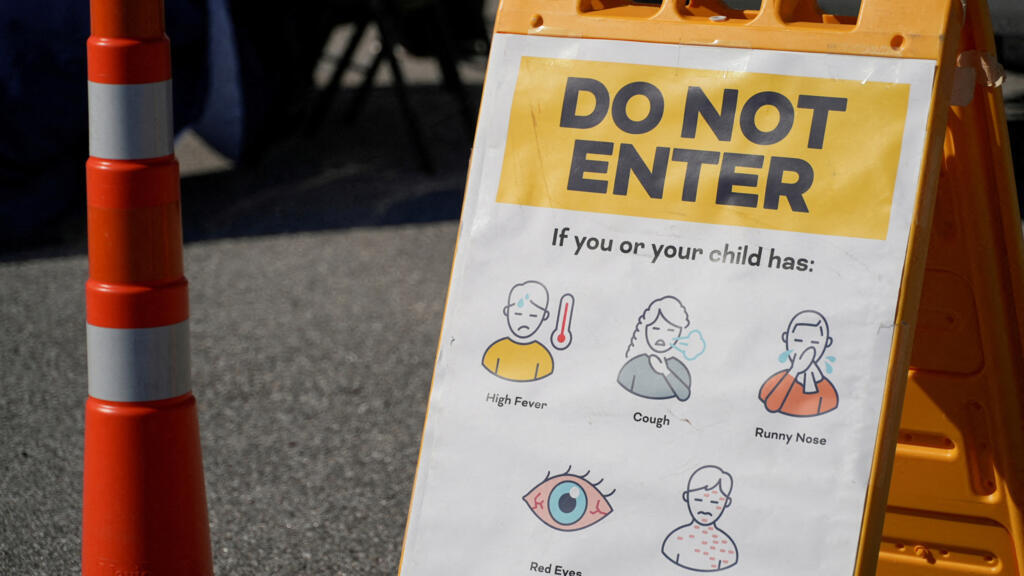
New York has declared a disaster emergency over rising measles cases, especially among under-immunized populations, with 108 confirmed cases.




Subscribe to
our news
Get the most important updates and top stories in your inbox.