




 Technology28 May 2026
Boost Your Wi-Fi Signal with Aluminum Foil: A Simple Guide
Struggling with Wi-Fi dead zones? A simple aluminum foil hack can redirect signals to improve coverage in your home.
Introduction
Many users experience frustrating dead zones in their home Wi-Fi coverage, with strong signals reaching some rooms while leaving others with weak connections. According to recent insights from Tom's Guide, a surprisingly effective solution involves using a simple household item: aluminum foil. This article explores how aluminum foil can help enhance your Wi-Fi signal and provides step-by-step instructions for implementation.
How Aluminum Foil Works for Wi-Fi
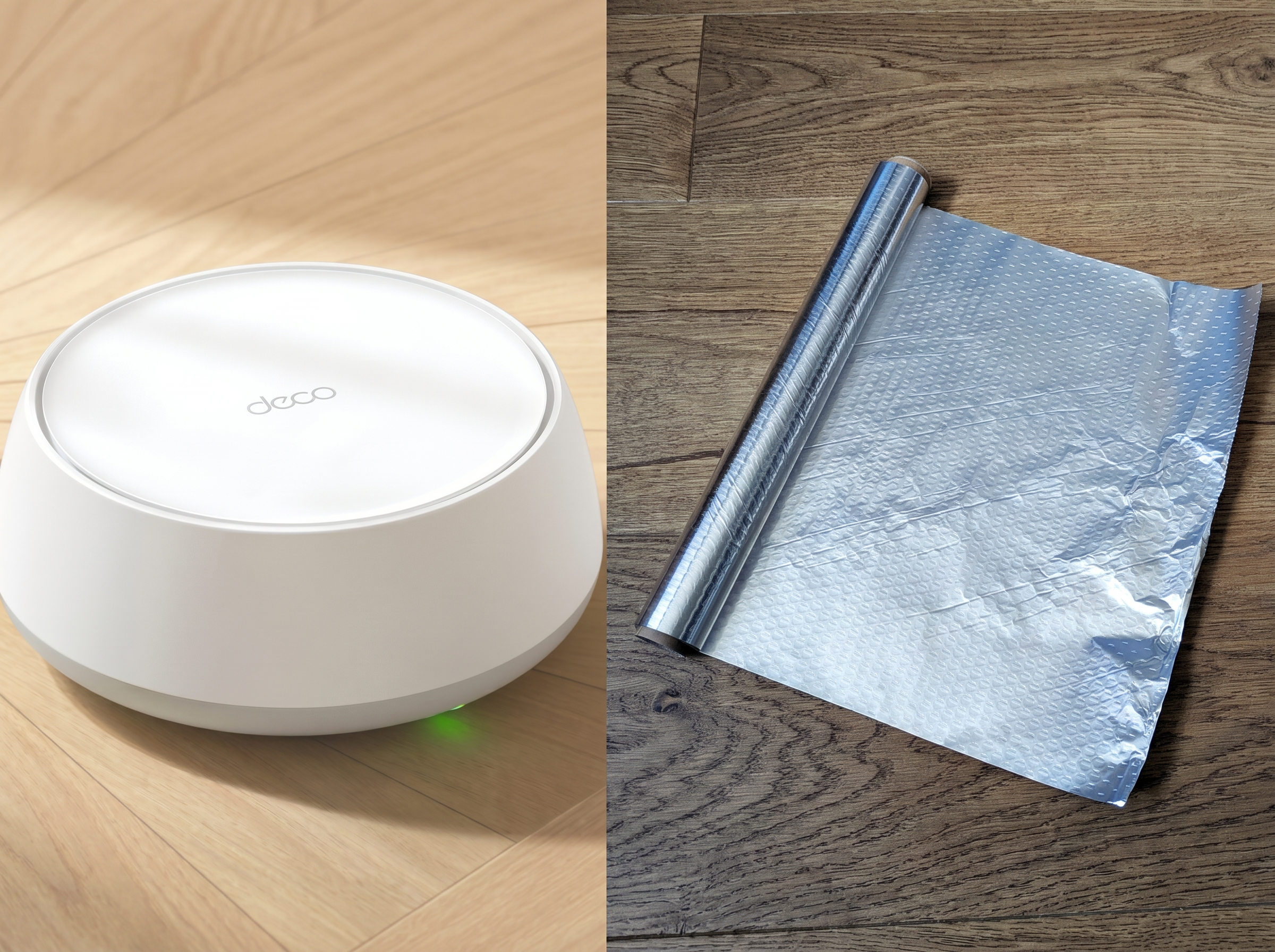
When Wi-Fi routers broadcast signals, they emit waves in all directions. This omnidirectional signal can often lead to wasted strength as signals bounce off walls, windows, and even out into neighbors' spaces rather than remaining in your home. By placing a curved sheet of aluminum foil behind your router, you can create a parabolic reflector that redirects these lost signals towards areas where you need better coverage, effectively reclaiming some of that wasted power.
Setting Up Your Aluminum Foil Reflector
To implement this hack, follow these simple steps:
Materials Needed
- A sheet of aluminum foil (approximately 12 inches long and as tall as your router)
- Scissors
- Tape (optional, for stabilization)
Steps to Position the Foil
-
Cut the Foil: Measure and cut your aluminum foil to the appropriate size. If your router has external antennas, ensure that the foil extends a few centimeters above them.
-
Shape the Foil: Bend the foil into a curved shape, with the shiny side facing inward. This design works similarly to a satellite dish, focusing signals in one direction.
-
Position the Foil: Stand the foil upright behind the router, ensuring that the curved side faces towards the router. The opening should point in the direction of the room where you need improved signal strength.
-
Stabilize the Foil: If the foil does not stand on its own, you can fold the bottom edge to create a base or tape it to a piece of cardboard.
Testing the Results
To determine if this aluminum foil hack has improved your Wi-Fi signal, it's recommended to conduct speed tests before and after implementation. Check your internet speed in the weak area before adding the foil, then re-test after positioning the foil.
Conclusion
While this aluminum foil method may not resolve all Wi-Fi issues, especially those caused by poor internet speed or outdated equipment, it can significantly enhance coverage in specific areas of your home by redirecting signals effectively. If you're frustrated with Wi-Fi dead zones, this clever trick could provide the boost you need to enjoy seamless connectivity throughout your living space.
Have you tried this or any other unconventional tech hacks that worked? Share your experience in the comments below!
Popular news
New York has declared a disaster emergency over rising measles cases, especially among under-immunized populations, with 108 confirmed cases.





Subscribe to
our news
Get the most important updates and top stories in your inbox.