




 Technology21 Jul 2026
Enhancing iPhone Privacy: 7 Settings You Need to Activate Now
Discover seven essential privacy settings for your iPhone that can enhance your personal data security today.
Introduction
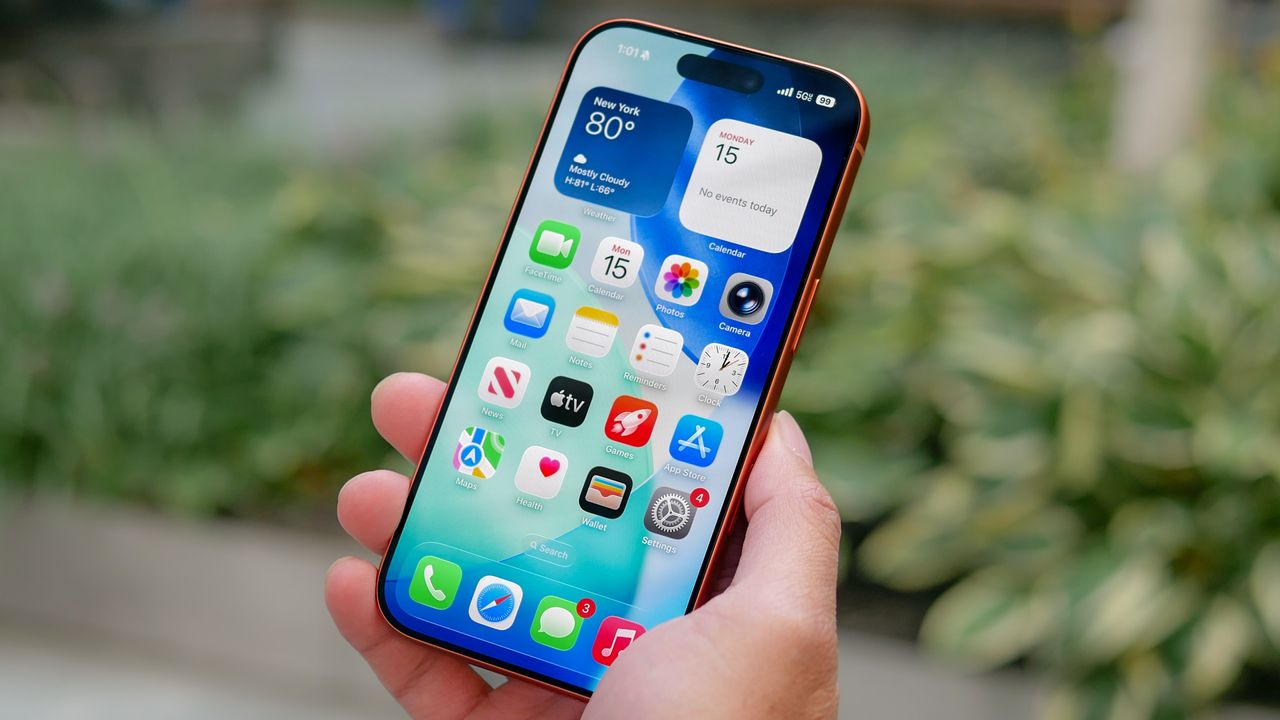
Many iPhone users are unaware of the various privacy settings available on their devices that can significantly enhance their data security. In an era dominated by digital interactions, securing one’s personal information is more crucial than ever. Recently, one iPhone user decided to leverage advanced AI by consulting ChatGPT for advice on improving privacy on their phone. The AI’s recommendations covered a range of overlooked features that, once activated, can offer substantial protection against data breaches.
Key Privacy Settings Recommended by ChatGPT
The following are the seven essential privacy settings that every iPhone user should consider enabling to boost their security:
1. Hide Sensitive Notification Previews
One of the simplest yet most effective changes is hiding sensitive notification previews on the Lock Screen. By setting notifications to show only when the phone is unlocked, users can prevent unauthorized individuals from seeing personal messages, banking alerts, or other sensitive information at a glance.
How to Enable:
Go to Settings > Notifications > Show Previews and select When Unlocked.
2. Lock Individual Apps with Face ID
Enhancing security on individual apps through Face ID adds an extra layer of protection. This feature allows users to require Face ID authentication before accessing apps that contain sensitive information, such as Notes or Photos.
How to Enable:
Long-press the app icon on the Home Screen and select Require Face ID.
3. Review Location Permissions
Regularly reviewing which apps have access to your location is vital. Many applications retain more access than necessary, posing a risk to your privacy. Users can change the settings to allow app access only while using the application.
How to Enable:
Navigate to Settings > Privacy & Security > Location Services.
4. Turn on Safety Check
Safety Check is a lesser-known security feature designed to quickly revoke shared access during emergencies. It allows users to review and manage who can access their location and other shared data.
How to Enable:
Access through Settings > Privacy & Security > Safety Check.
5. Audit Camera and Microphone Permissions
Over time, apps accumulate permissions that may not be necessary or safe. Regularly auditing which applications have access to the camera and microphone can help limit unwanted use of these sensitive features.
How to Enable:
Go to Settings > Privacy & Security to manage permissions.
6. Hide Apps You Don’t Want Others to Open
For apps that contain particularly sensitive information, users can hide them completely. This prevents others from accessing these apps should they get ahold of your device.
How to Enable:
Long-press the app, select Require Face ID, then choose Hide and Require Face ID.
7. Turn on App Privacy Report
The App Privacy Report provides insights into how often apps access your sensitive data, such as location, microphone, and camera. Keeping an eye on this report helps users identify apps that might overreach their permissions.
How to Enable:
Access it via Settings > Privacy & Security > App Privacy Report.
Additional Security Measures Missed by ChatGPT
In addition to these recommendations, the user noted two crucial security features that ChatGPT did not mention:
- Turn on Stolen Device Protection: This feature provides added safeguards against critical account changes if someone learns your passcode and steals your phone.
- Disable Control Center on the Lock Screen: This prevents unauthorized access to vital functions, such as changing connectivity settings, from the Lock Screen.
Conclusion
Consulting ChatGPT revealed essential privacy settings that many iPhone users may overlook. By implementing these tips, users can significantly enhance their personal data security. Regularly reviewing privacy settings is crucial as it allows users to adapt to changing security needs, protecting their information in an increasingly digital world.
Popular news
New York has declared a disaster emergency over rising measles cases, especially among under-immunized populations, with 108 confirmed cases.




Subscribe to
our news
Get the most important updates and top stories in your inbox.