




 Technology27 Jul 2026
Samsung Galaxy Z Fold 8 Ultra Revolutionizes Fingerprint Scanning Setup
Samsung's Galaxy Z Fold 8 Ultra offers a faster, user-friendly fingerprint scanning process, improving security setup significantly.
Introduction
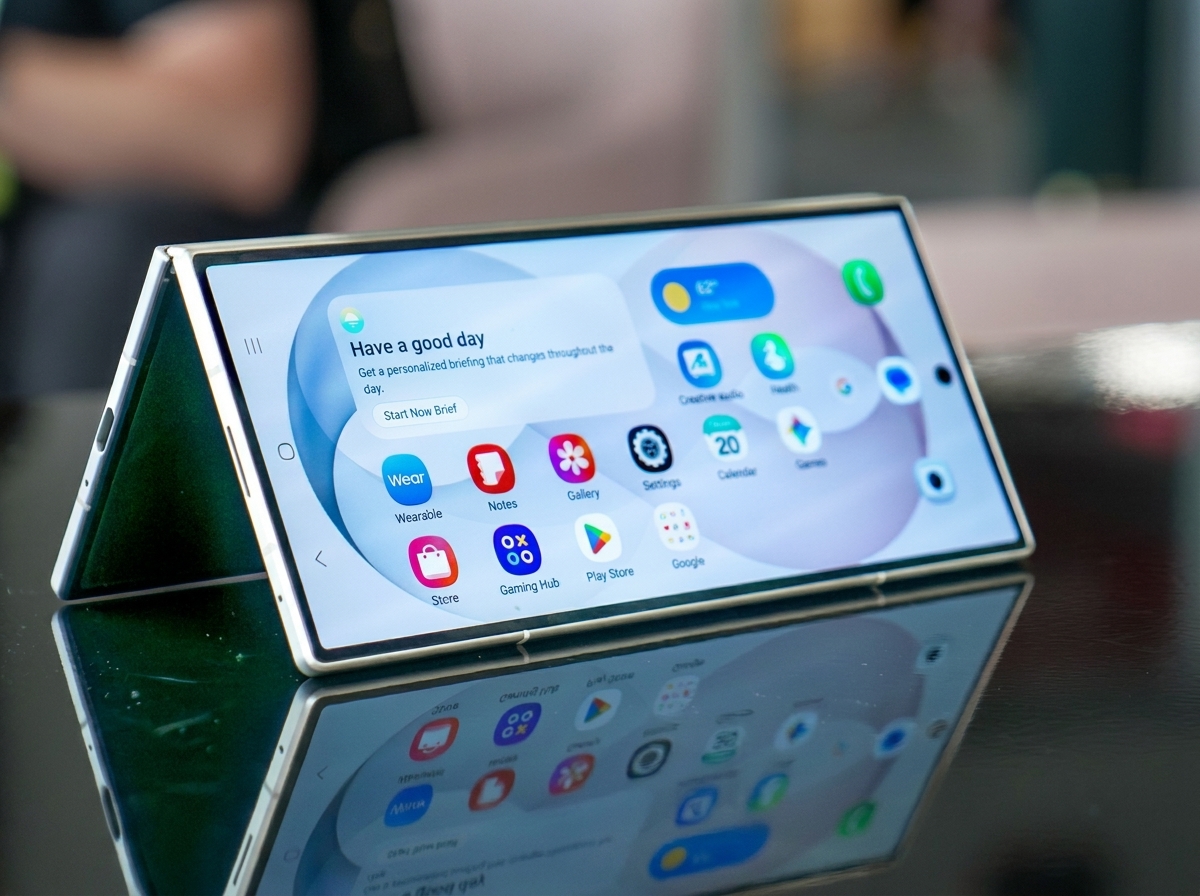
Fingerprint scanners have become a staple in modern smartphones, offering an essential layer of biometric security. However, the process of registering fingerprints often varies significantly among different devices, and it can be a tedious experience. The all-new Samsung Galaxy Z Fold 8 Ultra brings exciting advancements with a streamlined fingerprint mapping tool that promises a better user experience.
Revolutionizing Fingerprint Setup
With the Galaxy Z Fold 8 Ultra, users can now register their fingerprints quickly and effortlessly. Unlike traditional in-display fingerprint scanners that demand users to tap their fingers repeatedly on the screen, Samsung's new method allows users to simply swipe their fingers over the sensor. This intuitive approach enables users to complete the fingerprint registration process in under ten seconds, making it significantly faster than many alternative biometric systems, including those found in Google devices.
A User-Friendly Experience
The convenience of the Z Fold 8 Ultra’s fingerprint setup is reminiscent of physical fingerprint scanners that once dominated smartphone design. For users accustomed to in-display scanners, the manual lift-and-scan motions can often feel cumbersome. Samsung's design simplifies this by letting users glide their fingers along the sensor, capturing their prints without the need for repeated taps. This remarkable improvement highlights the advantage of physical fingerprint technology in modern devices.
A Comparison with Other Devices
Prior to this experience, many users may have considered fingerprint scanners to be relatively equal across phones. However, this new feature in the Galaxy Z Fold 8 Ultra differentiates it from the competition clearly. Other manufacturers, like Google, have struggled with slower registration times, even after upgrading to ultrasonic sensors that prioritize security. Samsung's design stands out among its peers, showing that speed and efficiency can coexist with strong security measures.
The Broader Impact of the Innovation
The effective mapping of fingerprints on Samsung devices isn't a novel feature restricted to the Z Fold 8 Ultra; it echoes in the setups of previous Galaxy Fold devices, reinforcing the brand's commitment to user-friendly technology. The simplicity of their fingerprint scanning process serves as a potent reminder of the advantages that physical scanning technology holds over its modern counterparts.
Conclusion
As users continue to unlock their smartphones multiple times throughout the day, even the smallest time savings can accumulate significantly. With the Galaxy Z Fold 8 Ultra, Samsung has not only improved the fingerprint registration process but also reaffirmed the effectiveness of physical fingerprint scanners in an era dominated by in-display technology.
How to Set Up Fingerprint Scanning on Galaxy Z Fold 8
To take advantage of this innovative fingerprint setup, users can follow these straightforward steps:
- Open biometric security: Navigate to Settings > Screen lock and biometrics > Fingerprints
- Add a new fingerprint: Select the Add fingerprint option.
- Start the mapping process: Tap the Register button.
- Map your fingerprint: Simply swipe your fingerprint across the scanner until capturing is complete.
- Test your fingerprint: Follow the prompts to ensure it recognizes your print successfully.
Popular news
New York has declared a disaster emergency over rising measles cases, especially among under-immunized populations, with 108 confirmed cases.





Subscribe to
our news
Get the most important updates and top stories in your inbox.